New Features
Major 2.0.2 Release
This release incorporates a major uplift of the ChiralClod underlying framework. This resolves a number of issues and will, going forward, allow for new features to be brought to the platform. The overall product will appear with a refreshed, though familiar, interface.
New scrolling tab layout.
New scrolling tab layout. This will avoid the rows of open tabs sitting one on top of another. There is now a tab scroll button at the beginning and end of the tab bar.

Active Tab Highlight
When a number of tabs are on the tab bar, the active tab is highlighted, emphasising which is currently active.

Dark Mode
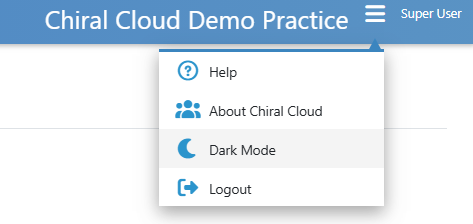
As per more modern user interfaces, ChiralCloud has a dark mode. This is currently being refined and will require user feedback to perfect.
Auto Screen Lock
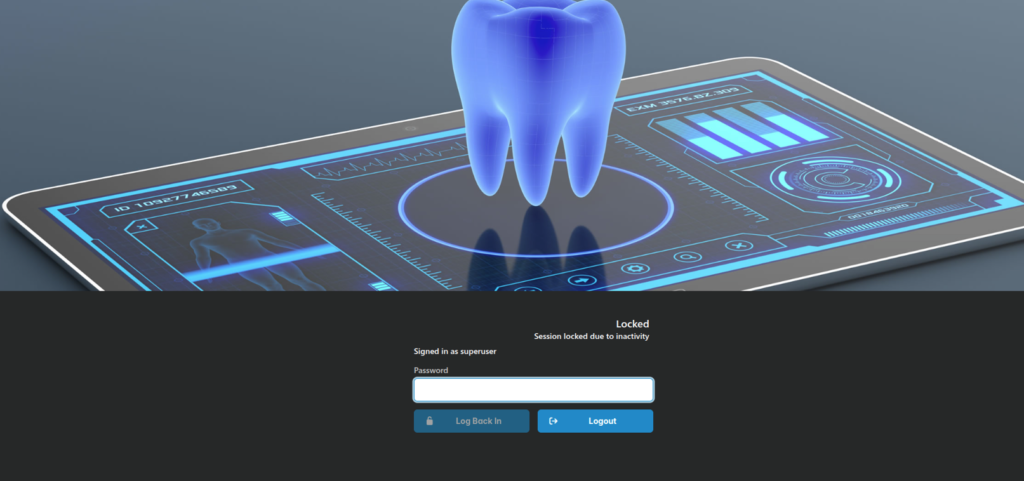
This feature locks the user’s screen after a predefined period of inactivity. The user can then either unlock the screen using their password or log out entirely.
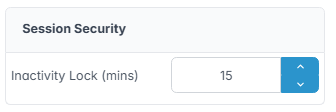
The inactivity period is set in the Preferences->Practice Details section
Template Merge Fields
To date, template merge fields were denoted by {merge_field}. This required the users to know which fields were valid for the specific template they were using. In addition, as they were just text fields, they could be entered incorrectly or accidentally. This would result in incorrect document production.
From now on, the template fields are available in the editor as “Structured Document Types”. This simply means they appear, for insertion, in a palette located on the left of the editor screen.
The list will vary depending on the template type. To insert a field, just click on the required entry in the palette. These fields cannot be edited or entered incorrectly.
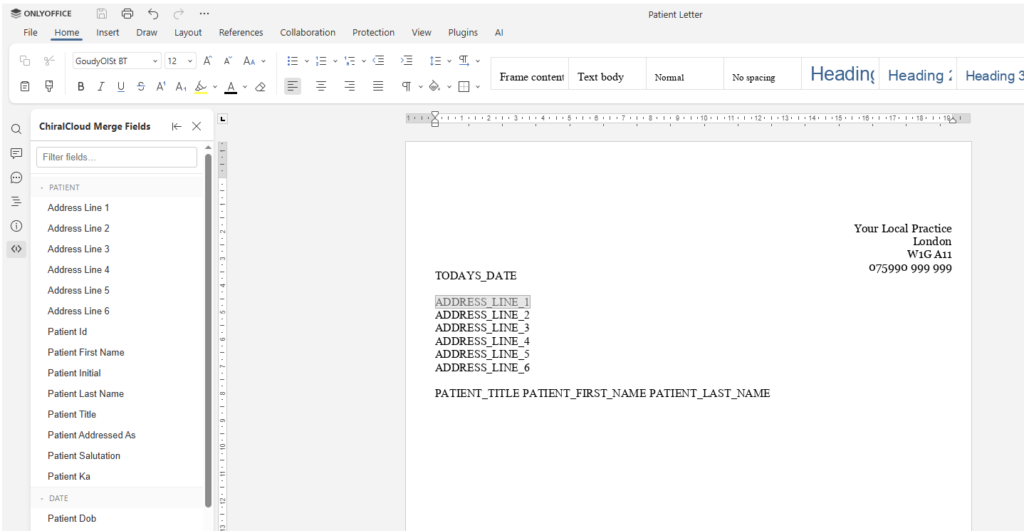
Existing templates are automatically converted to the new format, so all {merge_fields} will be removed and replaced with the new format fields.
General Practioners.
Under the menu Referrer section, there is now an “Add GP” feature. This allows a list of GP’s to be created and used to assign to patients.
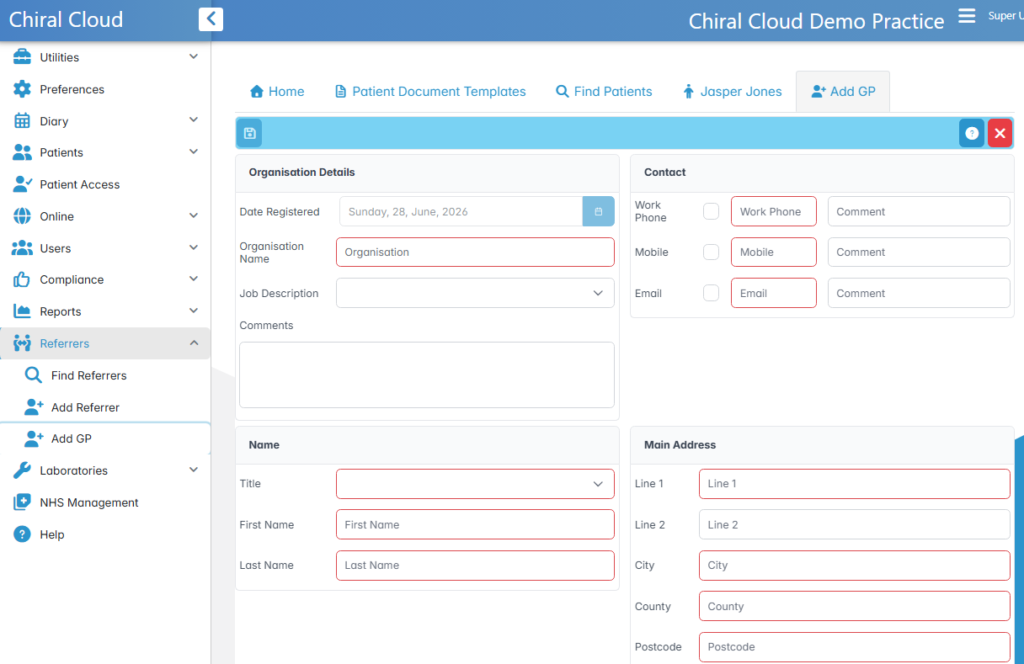
On the patient’s Person page, a GP can now be assigned.
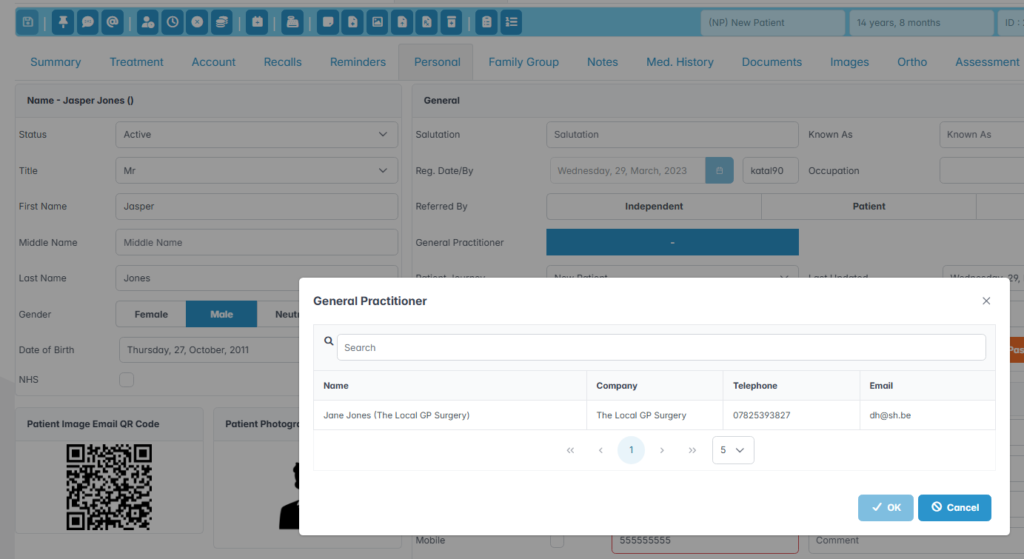
Referrer and GP Navigation
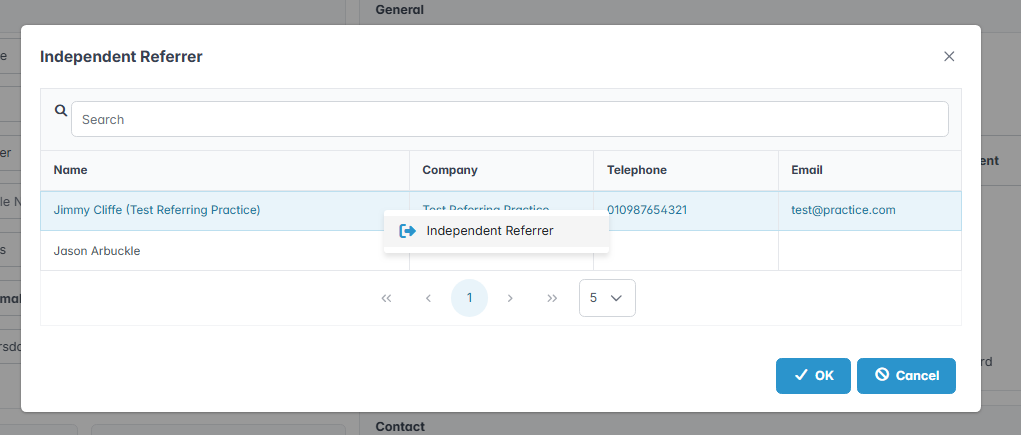
Once a GP or Referrer has been assigned to a patient, accessing their full details has been simplified with a navigation entry on the context menu.