
New Features
Payment Plan Report (CCA_063)
The system now has a new report for payment plans. It provides separate listings for Active, Finished, Suspended and Written Off plans.
It is available from the Reports -> Revenues -> Payment Plans menu option
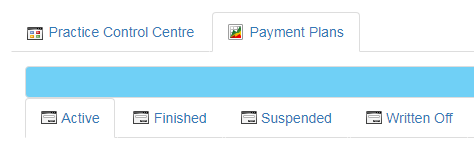
Payment Plan Status (CCA_064)
From both the payment plans report and the patient payment plan history page it now possible to suspend and write off payment plans.
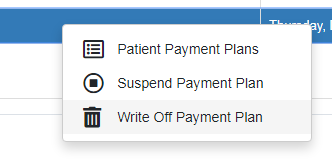
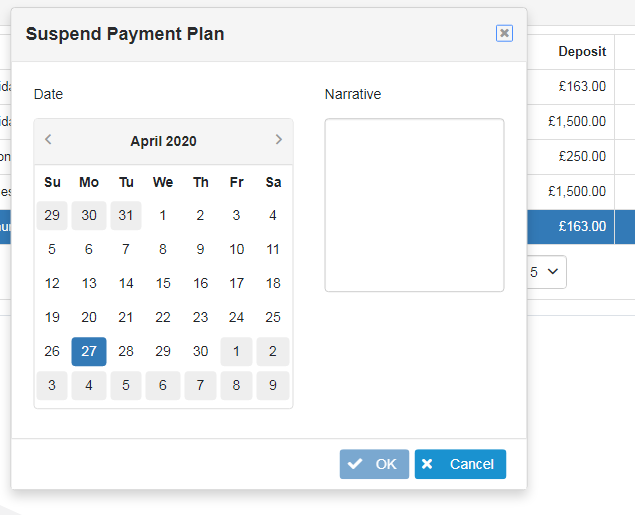
Accepted payment plans can be suspended until a future date.
They can also be written off.
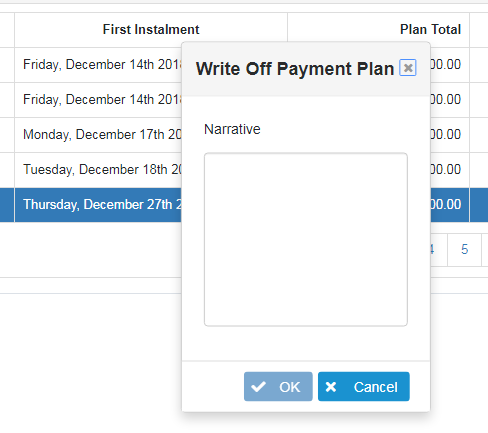
Suspended payment plans can be written off.
In both cases a suspension / write off narrative must be given.
Resolved Issues
Patient Journey Code Changes (CCF_093)
Changing a patient journey code was not saving and the associated patient status change was not being honored.
Patient Charting (CCF_094)
Having charted an item which requires a secondary dialog to be shown, such as bridge on implant, any subsequent item not requiring such a dialog caused an exception to occur.